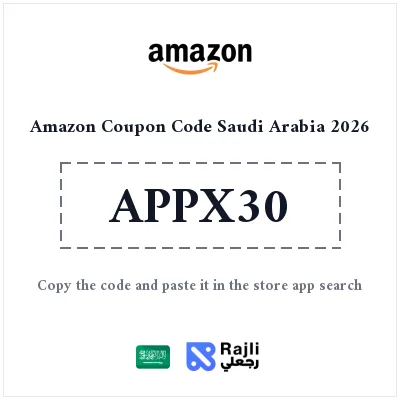
Save up to 10%, capped at SAR 30, on your first purchase from Amazon Saudi Arabia with this app-only coupon. The offer is for a first Amazon.sa purchase completed in the mobile app; opening the shopping page in a phone browser is not the same as checking out in the app. Review your account eligibility and the order summary before paying.
How much can you save on your first Amazon.sa app order?
| Discount | Up to 10% |
|---|---|
| Maximum savings | SAR 30 |
| Eligibility | First Amazon.sa purchase, subject to the offer terms |
| Where to redeem | Amazon Saudi Arabia mobile app only |
The cap is not a fixed discount on every order. Your actual saving depends on the eligible purchase amount and cannot exceed SAR 30. This is a limited-time offer, subject to Amazon's terms.
How to redeem the Amazon Saudi app coupon
- Reveal and copy the coupon, then open the offer link to review the terms.
- Install or open the Amazon app and sign in to your Amazon.sa account.
- Add eligible items to your basket and enter the promotional code at checkout inside the app, not in the search bar.
- Check that the discount appears before placing your order. If it does not, review first-purchase eligibility and the conditions for your account and selected items.