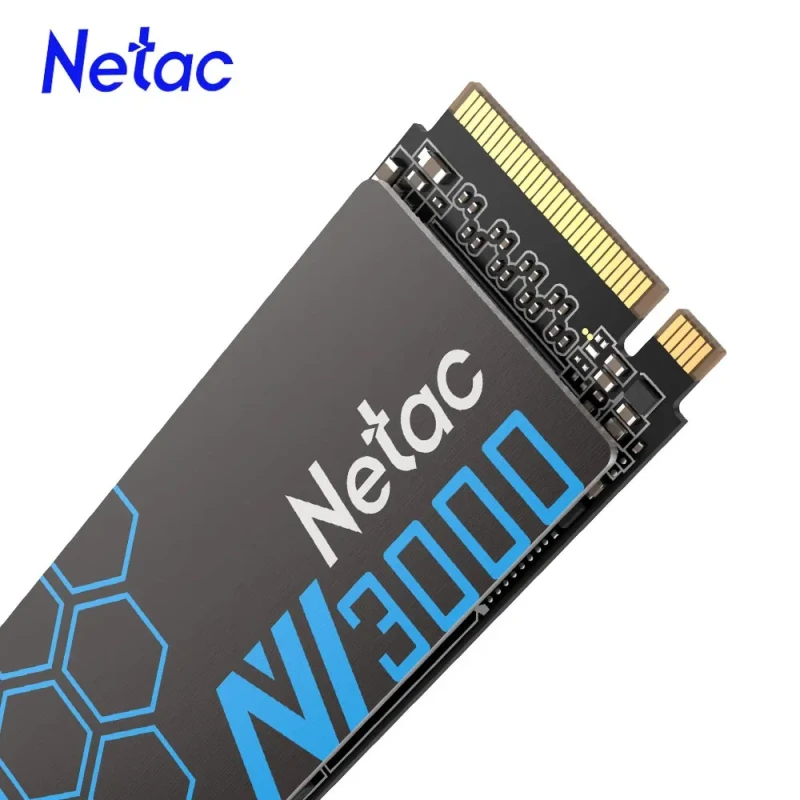

Netac NV3000 is a PCIe 3.0 M.2 2280 drive for PC upgrades. Choose a capacity based on system files, apps and free space.
NVMe storage for your computer
Netac lists a PCIe interface for the NV3000. Capacity affects how much space you have for your operating system, applications and files. Actual performance also depends on the selected drive and host system.
When does a PCIe 3.0 drive make sense?
If your PC supports NVMe over PCIe 3.0, compare capacity and slot limits before paying extra for a faster drive. Check the motherboard or laptop manual because M.2 describes a form factor. If you are replacing the boot drive, plan a backup or a clean installation before removing it.
Choosing an NV3000 capacity
For a boot and apps drive, start with the current installation size and room for updates. If it will also hold games or video, allow for how that library will grow. Check the part number against Netac’s specification if seller options list different capacities.