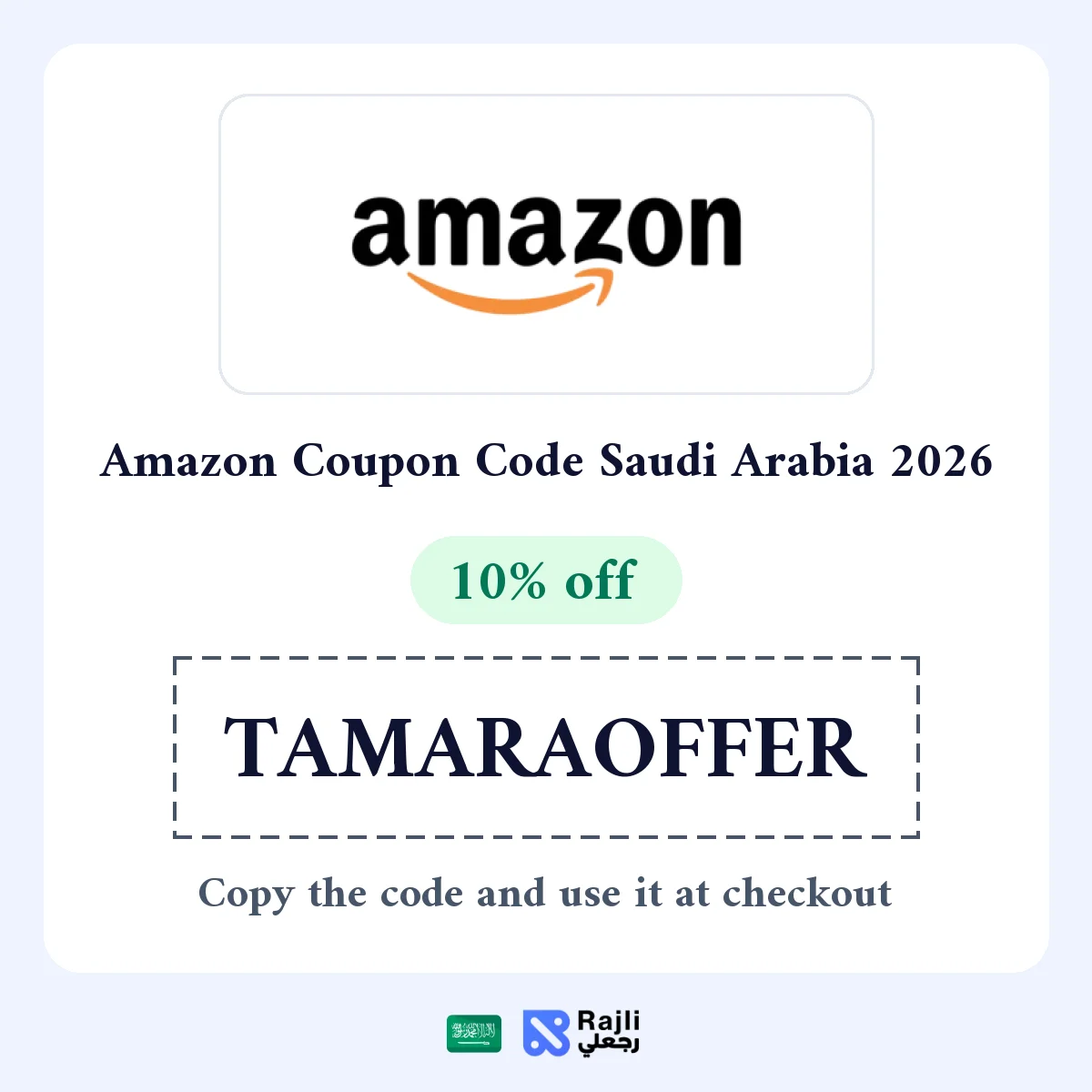
The Tamara offer on Amazon Saudi Arabia gives you 10% off orders above SAR 400, capped at SAR 50 per order, according to the offer details. It applies when you enter the code and pay with Tamara. We have not tested it with a real order yet.
How to Use the Tamara Offer on Amazon
- Open Amazon Saudi Arabia from the offer link on Rajli and add items until your basket is above SAR 400.
- At checkout, enter the code TAMARAOFFER in the promotion or voucher code field.
- Choose Tamara as your payment method, since the offer is tied to it.
- Check the discount line and the total in riyals before placing the order.
Offer Details
| Item | Detail |
|---|---|
| Discount | 10% of the order value |
| Minimum order | Above SAR 400 |
| Maximum discount | SAR 50 per order |
| Payment method | Tamara |
| Country and currency | Saudi Arabia, Saudi riyal |
| Validity and eligible items | According to the offer terms |
When Is This Offer Worth It?
The offer works best when your basket is close to SAR 500, because 10% of that equals the SAR 50 cap; spending more does not raise the discount. Below SAR 400 it does not apply, so compare it with the other Amazon codes listed on Rajli.
If the Discount Does Not Appear
- Make sure the total is above SAR 400 after excluding items outside the offer.
- Make sure Tamara is selected before you confirm, as the discount may not apply with another payment method.
- Paying with Tamara depends on its own approval and your eligibility; if Tamara is not offered for your order, the discount will not apply.